
Understanding Lithium-Ion Degradation
Smartphone batteries rely on lithium-ion technology, which naturally degrades over time. Every charge cycle causes microscopic changes in the battery chemistry. These changes eventually lead to reduced capacity and shorter usage times. Heat serves as the primary enemy of battery longevity. High temperatures accelerate the chemical reactions that cause wear. Charging your phone in a hot car or under a pillow causes permanent damage. Turnexedic provides the connectivity you need, but a healthy battery ensures you can actually use it. Understanding the science of power storage helps you extend the life of your device.
Optimal Charging Habits
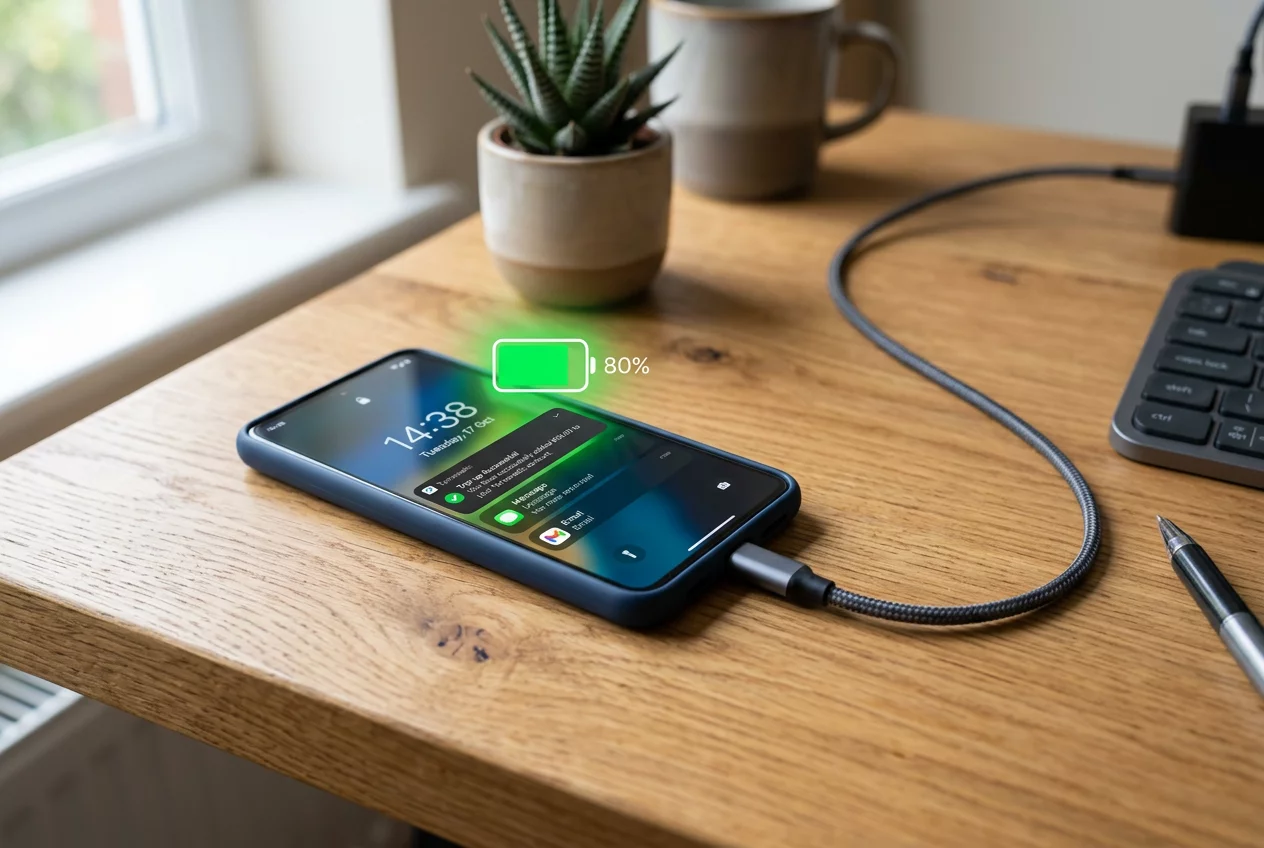
Avoid the extremes of 0% and 100% whenever possible. Lithium-ion batteries experience the most stress at the ends of their capacity. Keeping the charge level between 20% and 80% significantly increases the number of available cycles. Modern smartphones include software features to manage this automatically. Enable 'Optimized Battery Charging' to slow down the process once the battery reaches 80%. Use original chargers or certified third-party alternatives. Cheap chargers often provide unstable voltage that harms the internal circuitry. Fast charging is convenient but generates more heat than standard charging. Use slow charging overnight to minimize thermal stress.
Software and Usage Optimization
The display consumes more power than any other component. Lower the brightness or use auto-brightness to save energy. Dark mode is particularly effective on OLED screens because black pixels are completely turned off. Background app refresh drains the battery by constantly fetching new data. Disable this feature for apps that do not require real-time updates. Location services also use significant power by engaging the GPS chip. Limit location access to 'While Using the App' for most software. Turn off Bluetooth and Wi-Fi when they are not in use to stop the phone from searching for signals. These small adjustments add up to hours of extra usage time.
Long-Term Storage and Maintenance
Store your phone at approximately 50% charge if you plan to leave it unused for weeks. A completely empty battery might fall into a deep discharge state and never charge again. Conversely, storing a phone at 100% for long periods causes the battery to lose capacity faster. Keep the device in a cool, dry place away from direct sunlight. Regularly update your software to benefit from power management improvements. Manufacturers often optimize how the OS handles background tasks in newer versions. Should the battery swell or become excessively hot, replace it immediately at an authorized service center. A well-maintained battery ensures that your Turnexedic top-ups translate into maximum uptime.



Shatha Al-Awfi
The 20-80 rule really changed how long my phones last. My current device is two years old and still has 95% health.